


• Advertise
  • Privacy & Policy
  • Contact
Friday, December 5, 2025
itida
Egyptian Gazette

Editor-in-Chief

Mohamed Fahmy

Board Chairman

Tarek Lotfy

  • HOME
  • EGYPT
    • Local
    • Features
  • World
    • National Day
  • Technology
  • BUSINESS
    • Real Estate
    • Automotive
  • SPORTS
  • ENTERTAINMENT
    • Arts
    • Health
    • Lifestyle
    • Travel
  • Skyward
    • Snippets from EgyptAir history
  • MORE
    • Multimedia
      • Video
      • Podcast
      • Gallery
    • OP-ED
No Result
View All Result
  • HOME
  • EGYPT
    • Local
    • Features
  • World
    • National Day
  • Technology
  • BUSINESS
    • Real Estate
    • Automotive
  • SPORTS
  • ENTERTAINMENT
    • Arts
    • Health
    • Lifestyle
    • Travel
  • Skyward
    • Snippets from EgyptAir history
  • MORE
    • Multimedia
      • Video
      • Podcast
      • Gallery
    • OP-ED
No Result
View All Result
Egyptian Gazette
Home Technology

How to locate a smartphone that’s lost or stolen

by News Wires
July 29, 2022
in Technology
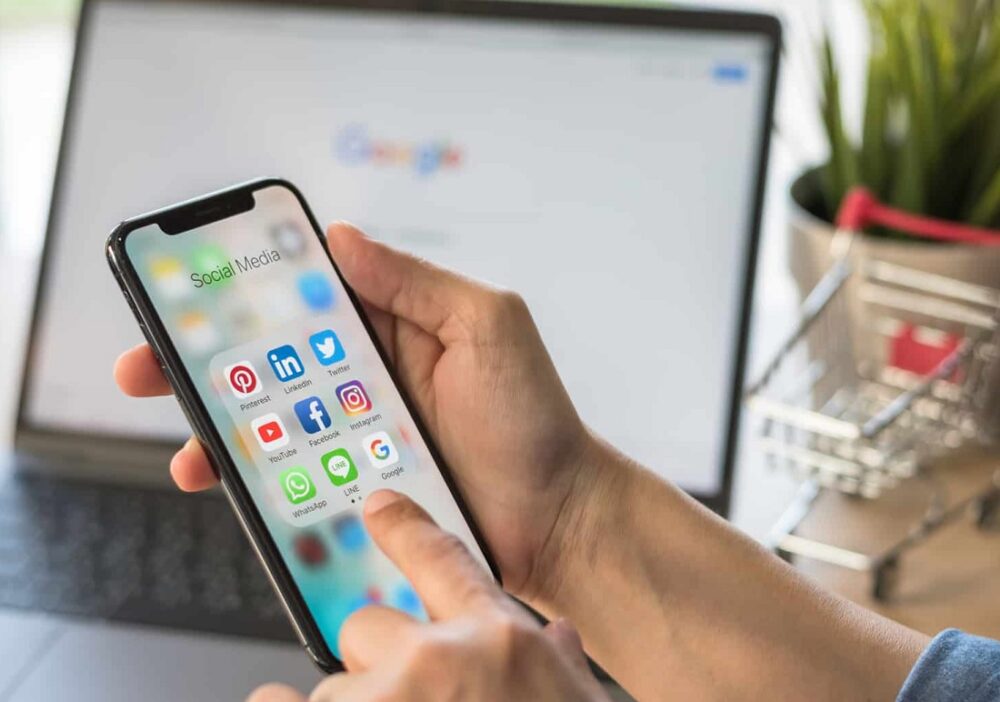
Whether it's lost or stolen, here's how to locate your smartphone.

Whether it's lost or stolen, here's how to locate your smartphone.

Share on FacebookWhatsapp

SAN FRANCISCO — Apple and Google have set up a relatively simple system that allows you to geolocate your phone when you can’t find it, whether it is simply misplaced, or worse, it’s been stolen.

To locate an Android smartphone, simply go to any other device, log in to your Google account, and then go to Android.com/Find. From then on, all your listed devices can be precisely located.

However, a few conditions must be met. Your smartphone must be switched on, for example, still signed in to your account, and the device’s Location function and Find My Device must be turned on too.

If it’s somewhere nearby, but you still can’t find it, it’s possible to make it ring via the Android.com/Find web page. In case of theft, you can lock your device and even remotely erase its data, again provided that it is switched on and connected.

If you have an iPhone, the procedure is virtually the same. This time, you have to go to iCloud.com/find and log in to your Apple account.

Note that it is also possible to use the Find My application on another iPhone or iPad that you own, AFP reported.

Here again, you can ring, lock or delete your iPhone’s data remotely.

Tags: AndroidAppleGoogletechnology

Discussion about this post

ADVERTISEMENT
egyptian-gazette-logo

The Egyptian Gazette is the oldest English-language daily newspaper in the Middle East.
It was first published on January 26, 1880 and it is part of El Tahrir Printing and Publishing House.

Follow Us

Gazette Notifications

Would you like to receive notifications on our latest news ?

  • Advertise
  • Privacy & Policy
  • Contact

Copyrights for © Egyptian Gazette - Administered by Digital Transformation Management.

No Result
View All Result
  • HOME
  • EGYPT
    • Local
    • Features
  • World
    • National Day
  • Technology
  • BUSINESS
    • Real Estate
    • Automotive
  • SPORTS
  • ENTERTAINMENT
    • Arts
    • Health
    • Lifestyle
    • Travel
  • Skyward
    • Snippets from EgyptAir history
  • MORE
    • Multimedia
      • Video
      • Podcast
      • Gallery
    • OP-ED

Copyrights for © Egyptian Gazette - Administered by Digital Transformation Management.

This website uses cookies. By continuing to use this website you are giving consent to cookies being used. Visit our Privacy and Cookie Policy.